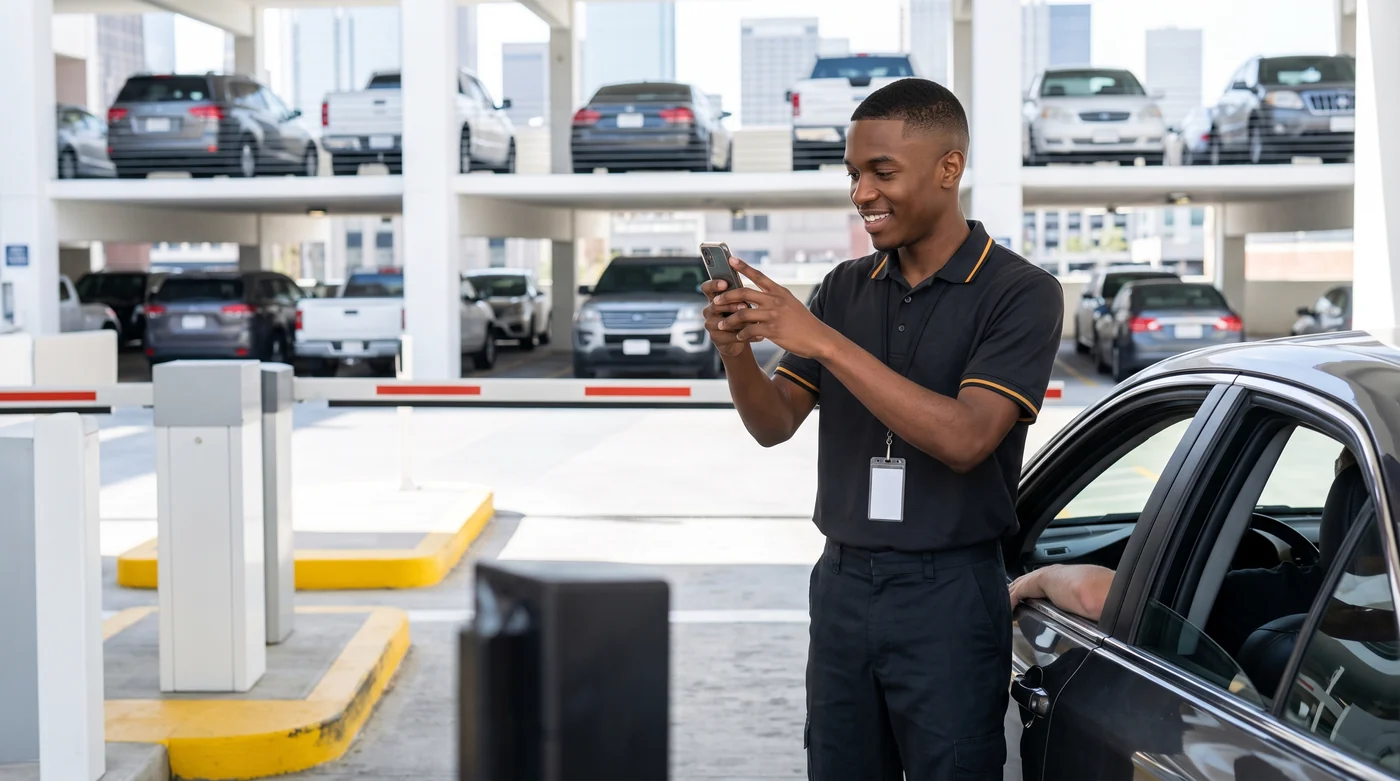
Logs the car coming in
Takes the plate, hands over the ticket, back to the line. No register, no closeout, no idea how much has been collected today.
What the app lets them do
- Log an entry
- Take payment
- Release a vehicle
Entries, exits, cash register and receipts on a regular Android or iPhone, with or without internet. No cables, no PC in the booth, no cell signal required.
The same ticket that opens the gate can sell ad space and let the customer request their car without walking up to the booth.
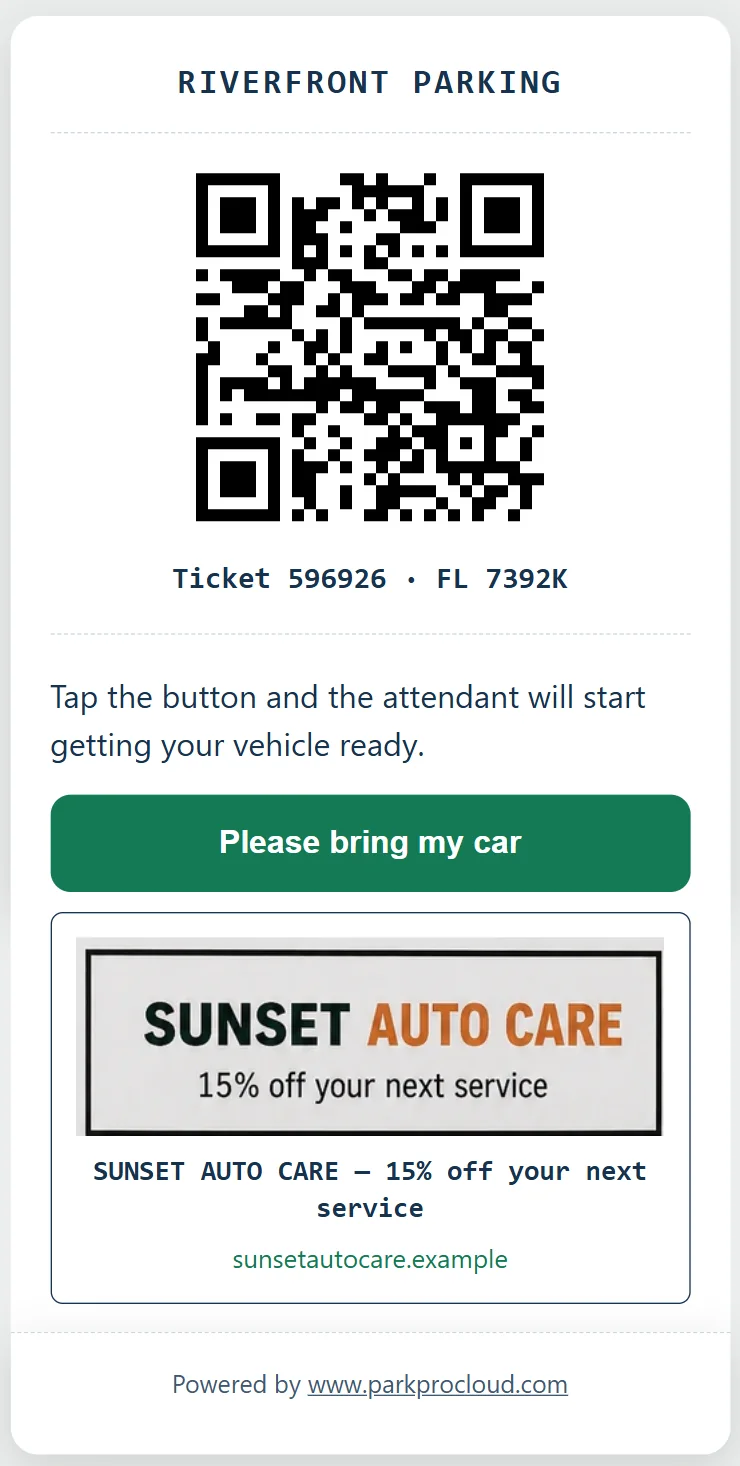
Sell the space to a local business and the money stays entirely in your business: on paper, on the receipt, and on the digital ticket. $49/month, included at no extra cost on Pro and Enterprise Gate.
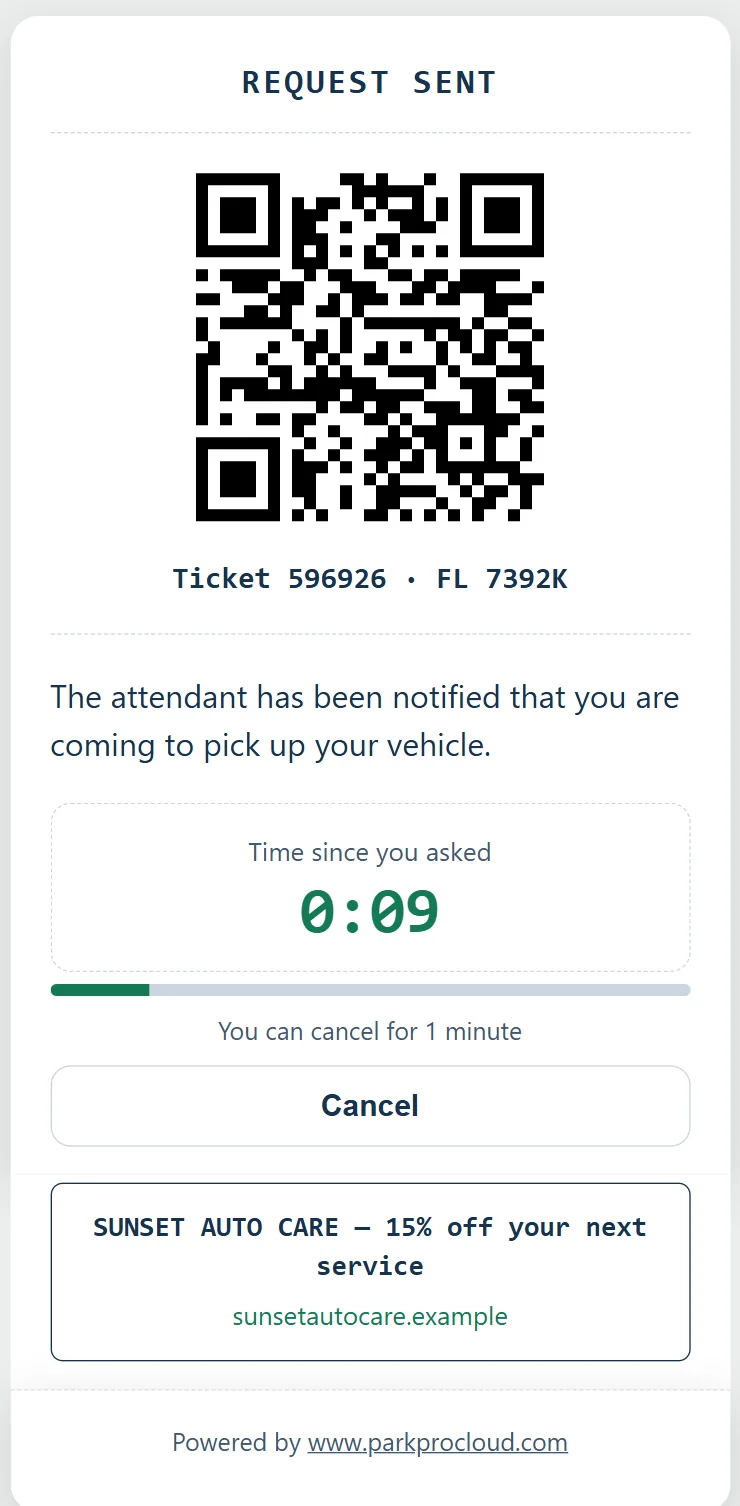
The ticket you send by WhatsApp is a live page: one tap to request the vehicle and a stopwatch while the customer waits, no line at the booth.
Sponsorship activates on top of an active plan; it isn't sold separately.
Unedited screenshots captured from a live ParkingPro account configured in English and USD.
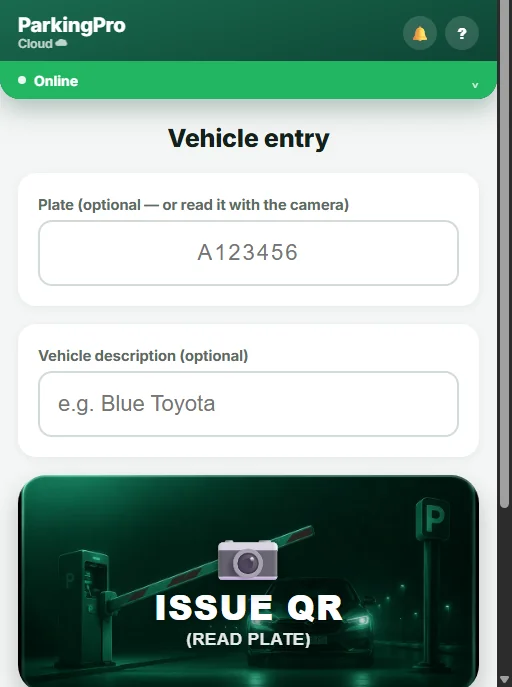
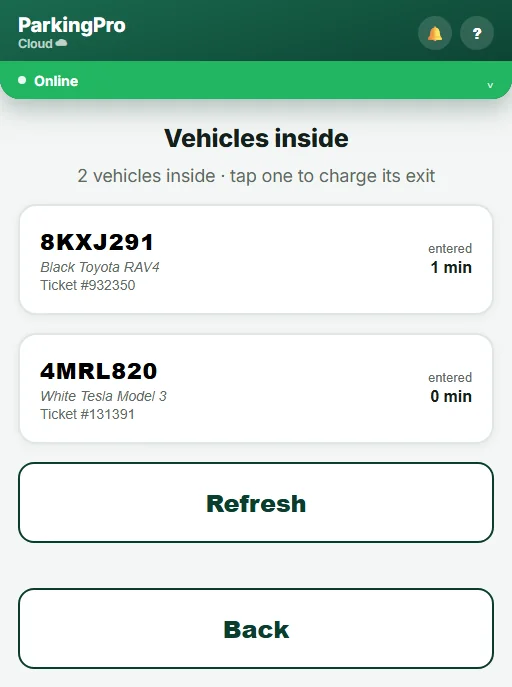
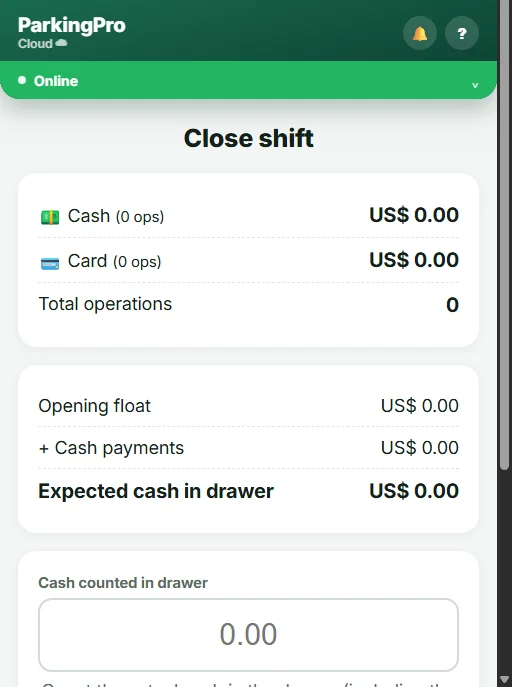
Every feature came from a real problem running a parking lot, not from a competitor's feature list.
The admin account never takes up an operator seat: the operators listed on each plan are staff on top of the account owner.
A traditional parking system means a PC, cabling, a reader, a technician, and an on-site installation. With ParkingPro Cloud, all you need is a phone and a printer.
Working alone? The default mode keeps everything on one screen and nothing changes. Splitting the shift? Assign each attendant an area and the one who takes the money stops being the one who opens the gate. And it isn’t a greyed-out button: the server checks the permission on every operation, so a borrowed session doesn’t get around it either.
Takes the plate, hands over the ticket, back to the line. No register, no closeout, no idea how much has been collected today.
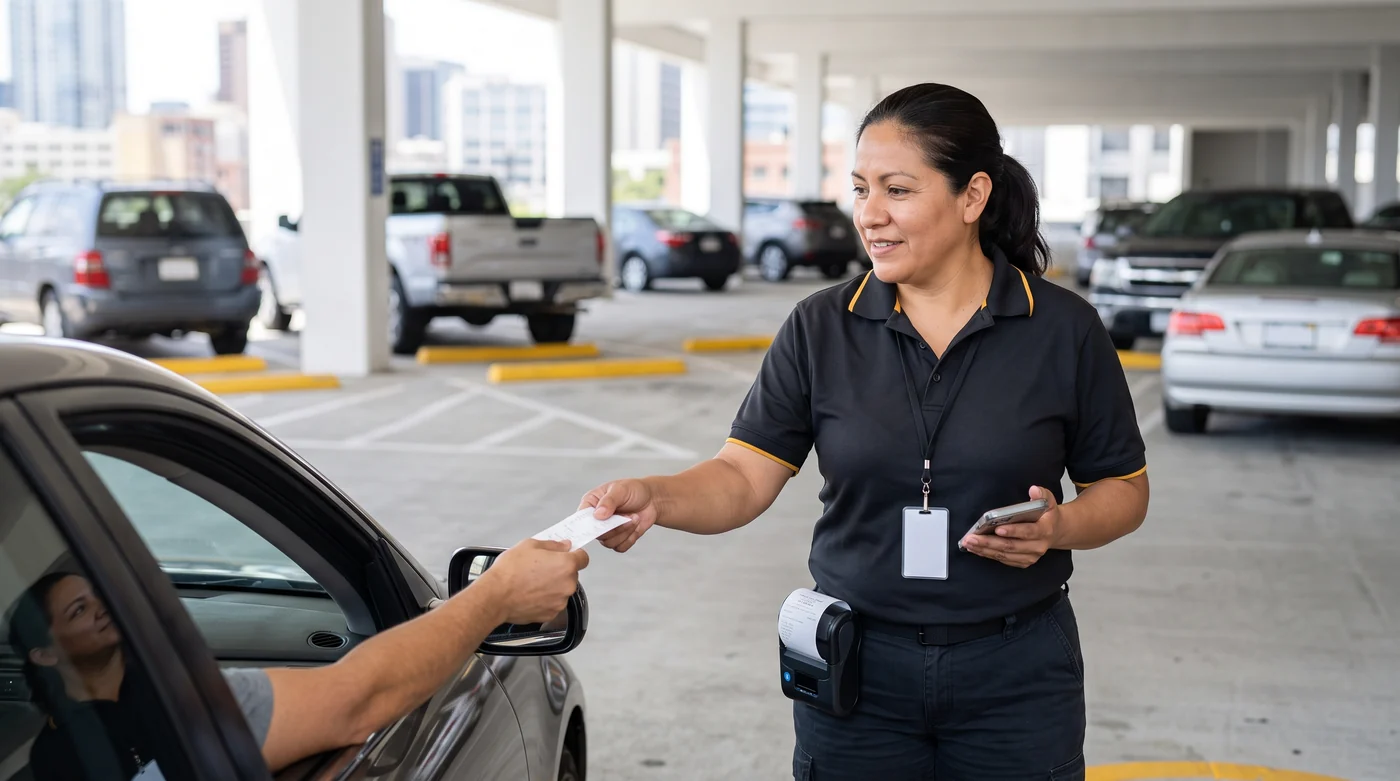
Takes payment, issues the receipt and reprints any from the shift. Releases vehicles too, because on a thin shift the cashier works both windows.
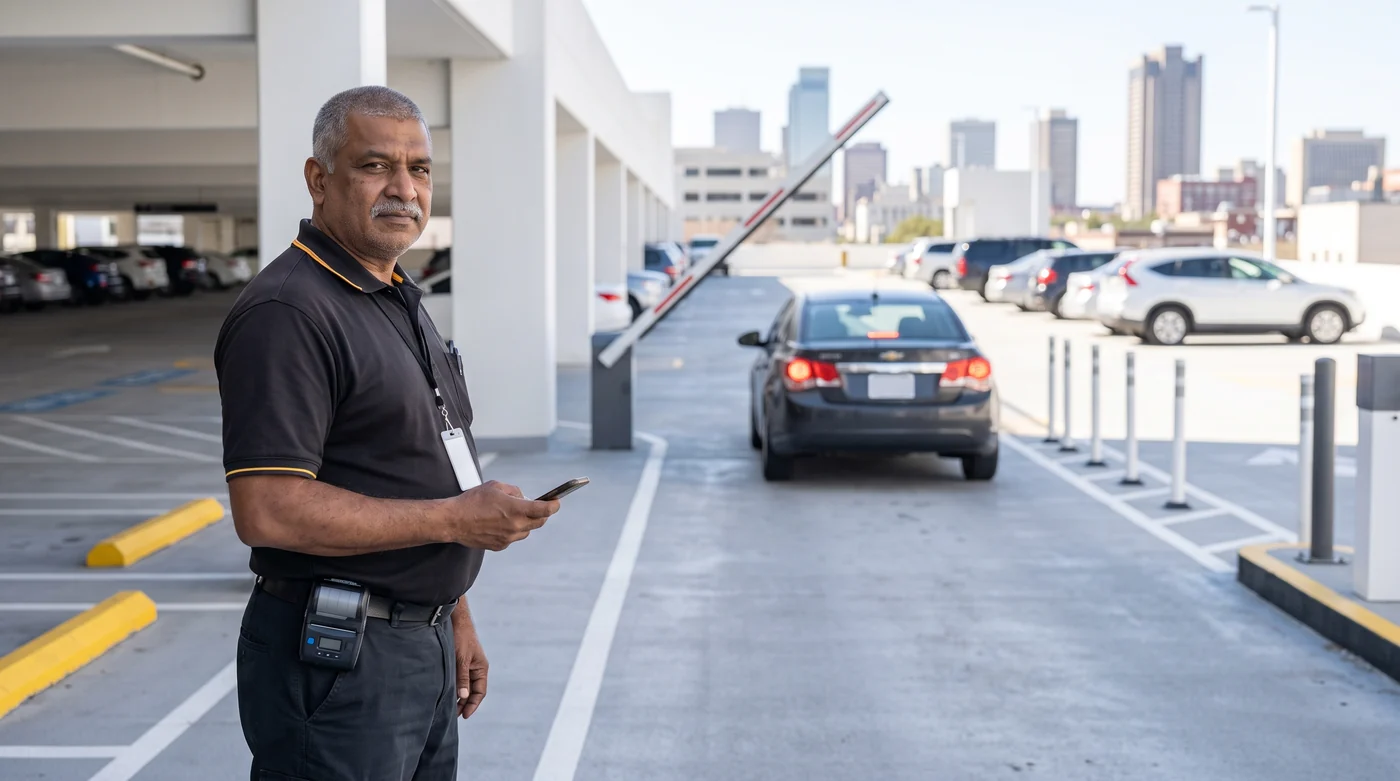
Looks the vehicle up and opens the gate. If nobody charged for it, it doesn't leave: that screen has no charge button and no way to wave a car through.
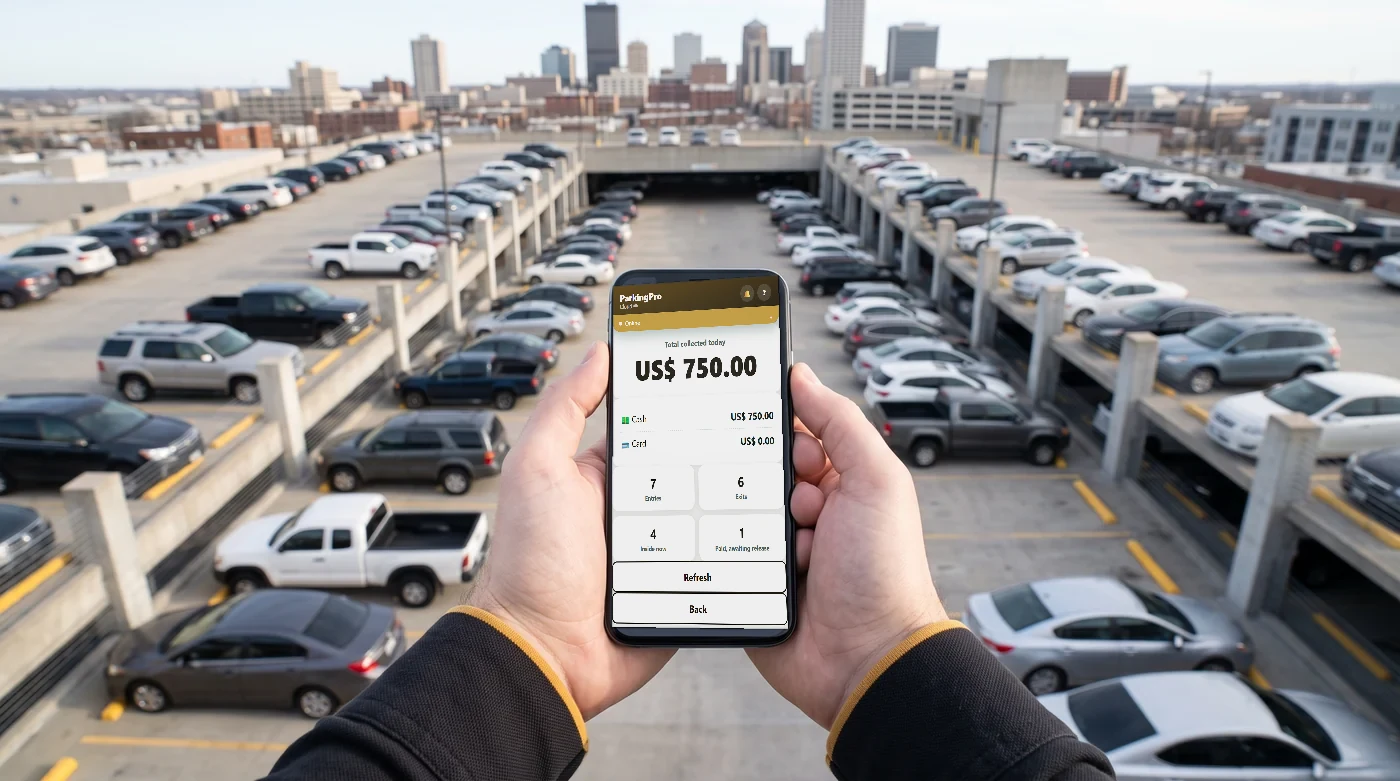
Lands straight on the day's summary: vehicles inside, collected so far, how each register is doing. Never even sees the operations menu. It's the area for an owner who wants to watch without risking a wrong tap.
The role says who's in charge and never changes. The area says what someone is on today: change it from the admin panel when shifts rotate and it takes effect immediately: the very next action they try is checked against the new area.
People on entry and nobody on payments means cars come in and get stuck: the gate only releases what's been paid. The app doesn't block you, it shows you the gap and tells you it's yours to cover.
If the same person does everything at your lot, nothing changes: that's the default. Areas are for when you grow.
Yes. Operation continues on the phone through signal outages and syncs on its own once the connection comes back. Nobody waits at the booth.
No. You start with a regular Android phone or iPhone. The Bluetooth thermal printer and the rest of the equipment are optional.
It's the number of cars that can be inside at the same time. We notify you at 90%; at the limit, you need an exit or to upgrade your plan.
Yes, monthly plans can be canceled anytime. Review the terms and refund policy before subscribing.
Across the US and all of Latin America, with the tax and document number you configure for your business. See pricing →
Write to us and we'll reply to that same email. Pick a subject, and if we already have the answer in the manual, it lands in your inbox right away.
Prefer to go straight to a specific team? These emails route to the right department:
Create your account without a sales call. The Starter plan includes a 14-day free trial before any PayPal subscription starts running; Enterprise Gate Annual is charged once at checkout.
Start free trial →